Let AI do the work. You stay in control.
Verteq runs your recurring work with flows and AI agents. Where the risk is high a colleague decides, and every step can be checked afterwards.
See Verteq in two minutes.
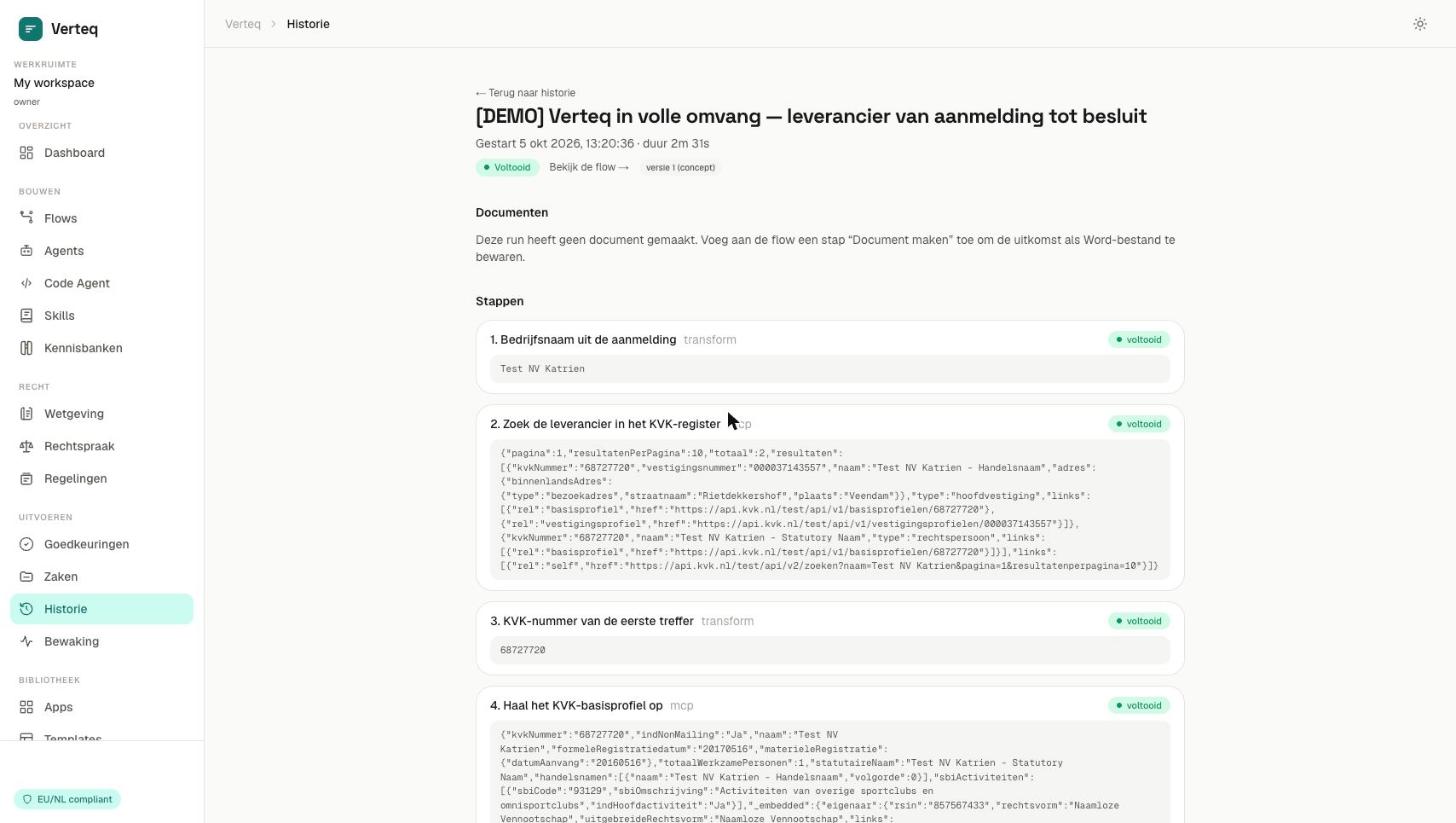
One platform for all the AI work in your company.
Flows and agents do the work. What your organisation knows and uses feeds them.
Flows
The playbook
Workflows with fixed steps, built in plain language.
Agents
A digital colleague
AI assistants that decide for themselves which steps are needed, in chat or on a schedule.
Knowledge bases
The archive
Your own documents as the source; every answer with its location.
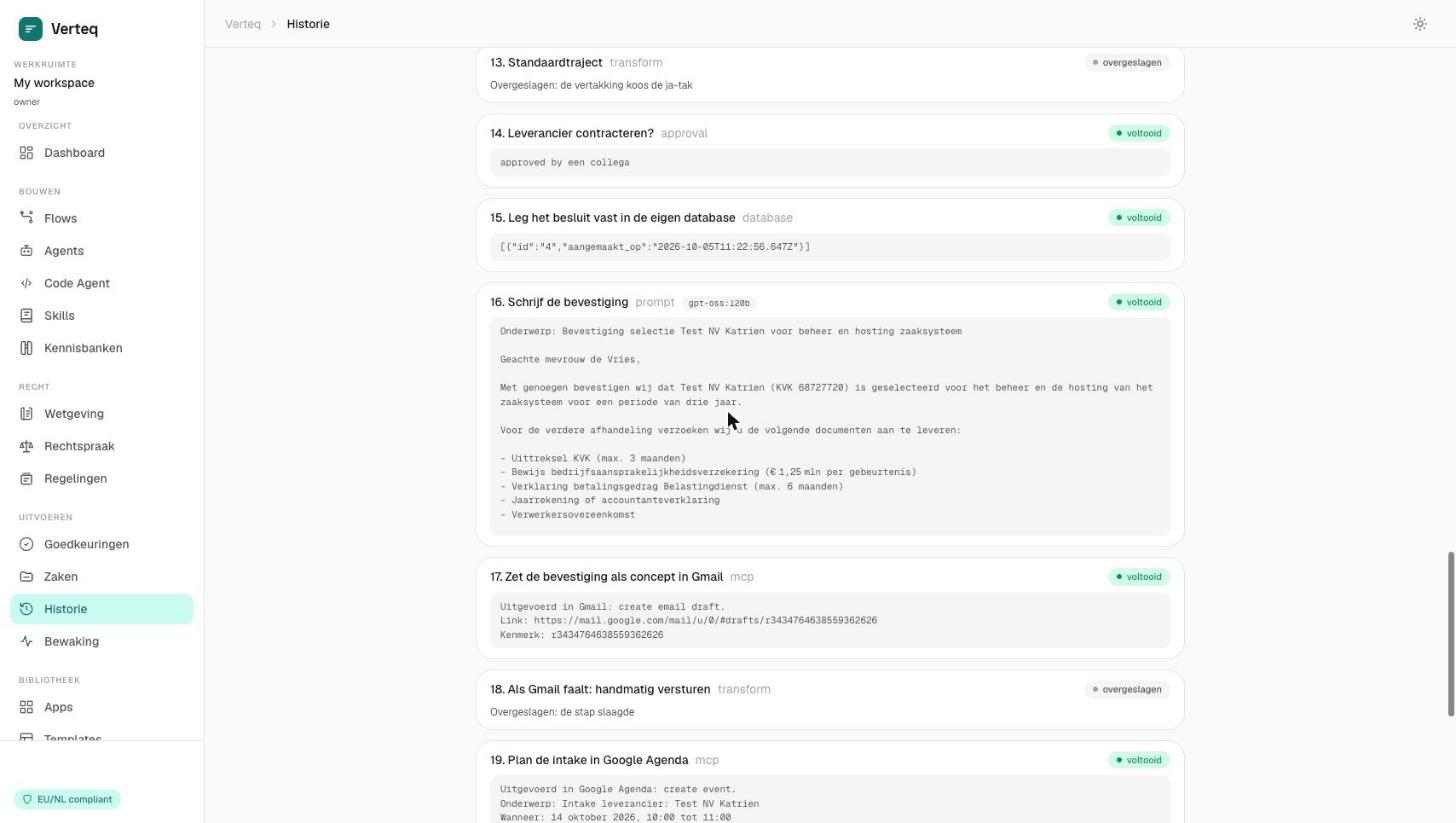
Skills
The work instruction
Record once how your organisation works; every agent uses it.
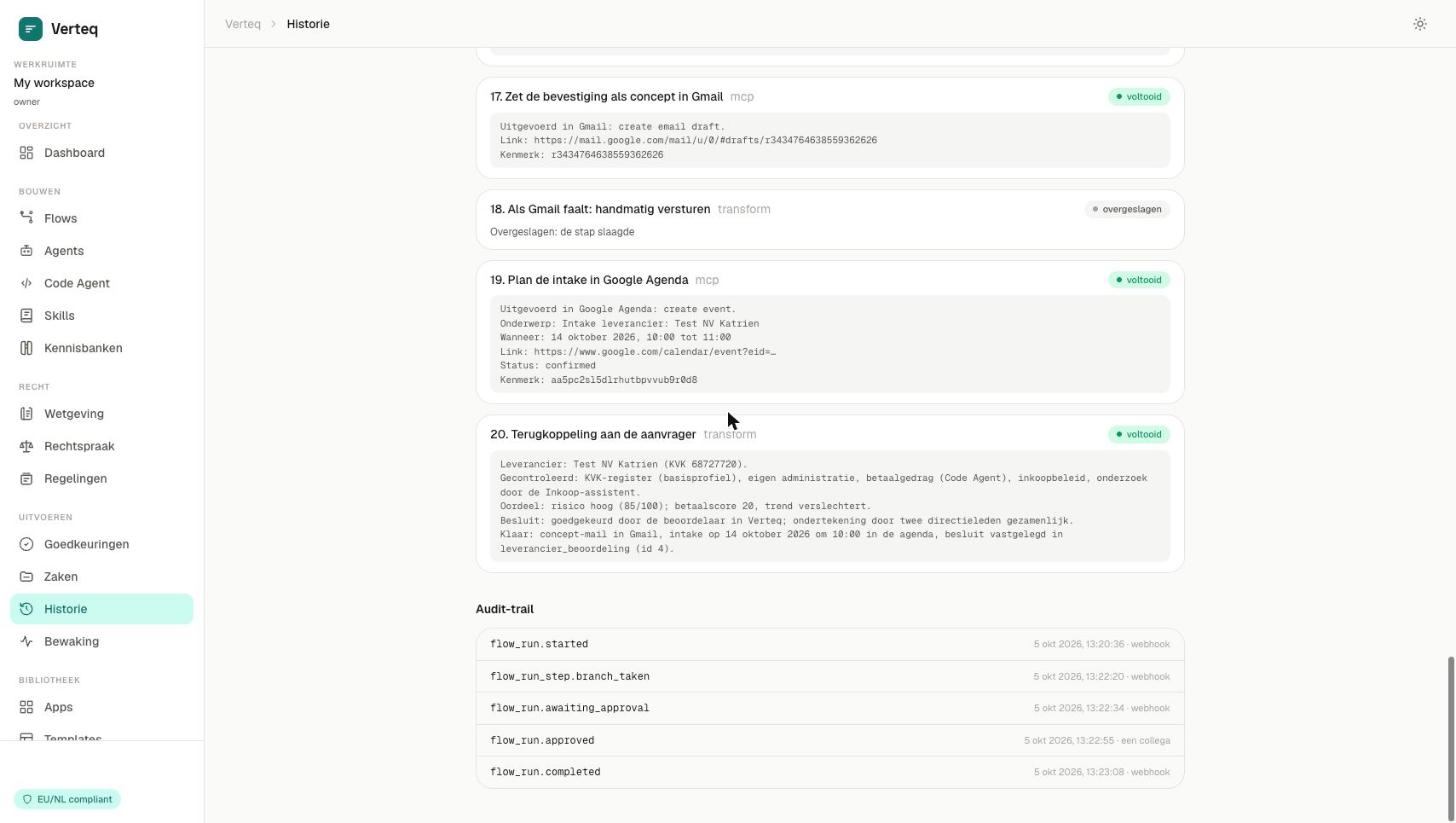
Approvals
The signature
A person decides where it matters, with the four-eyes principle.
Connections
The systems you already use
Apps, databases and other systems, and automatic starts from another system.
Code Agent
The programmer
Have programming tasks carried out, tests included.
Templates
A ready-made playbook
Ready-made flows to start from.
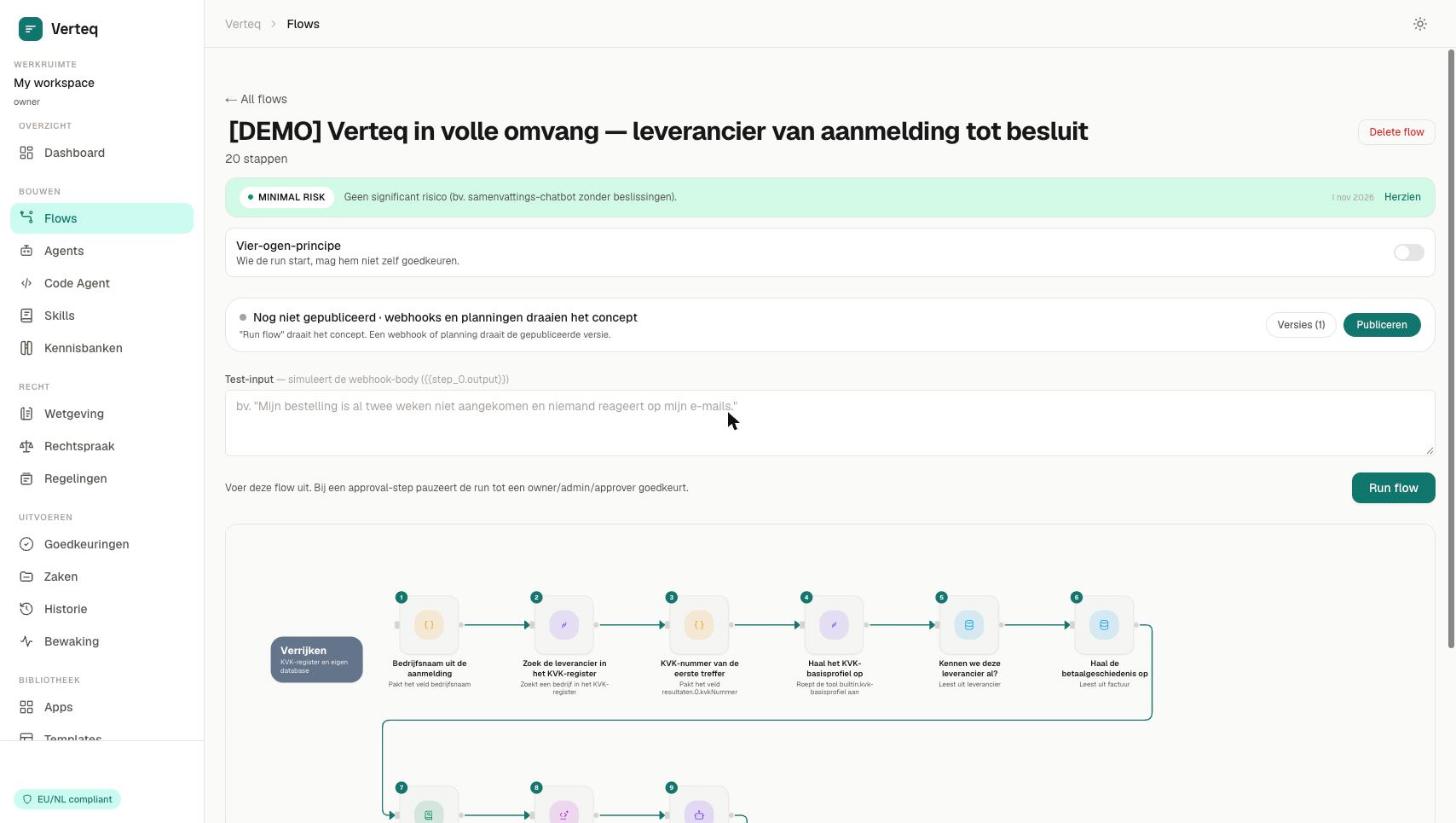
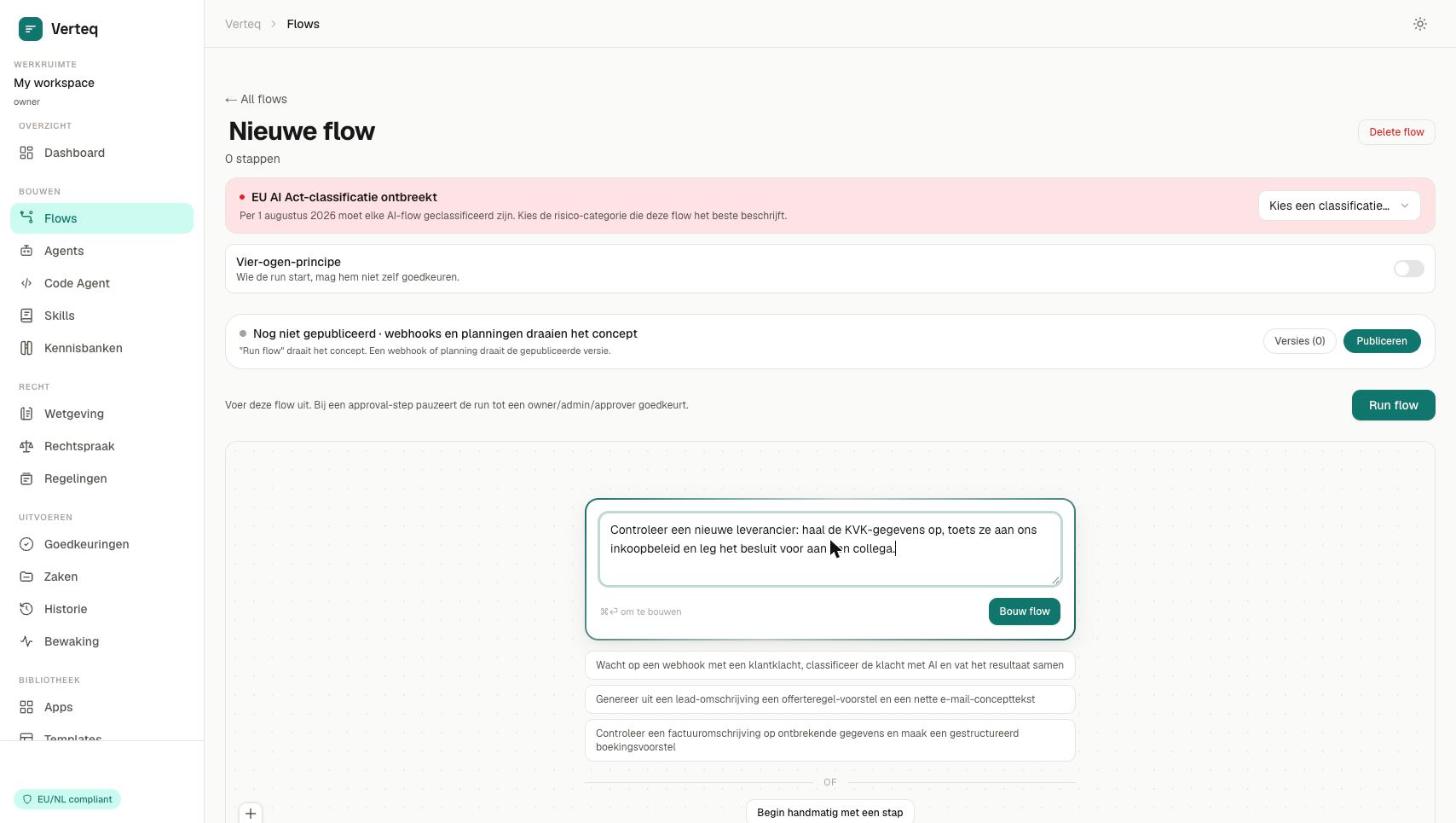
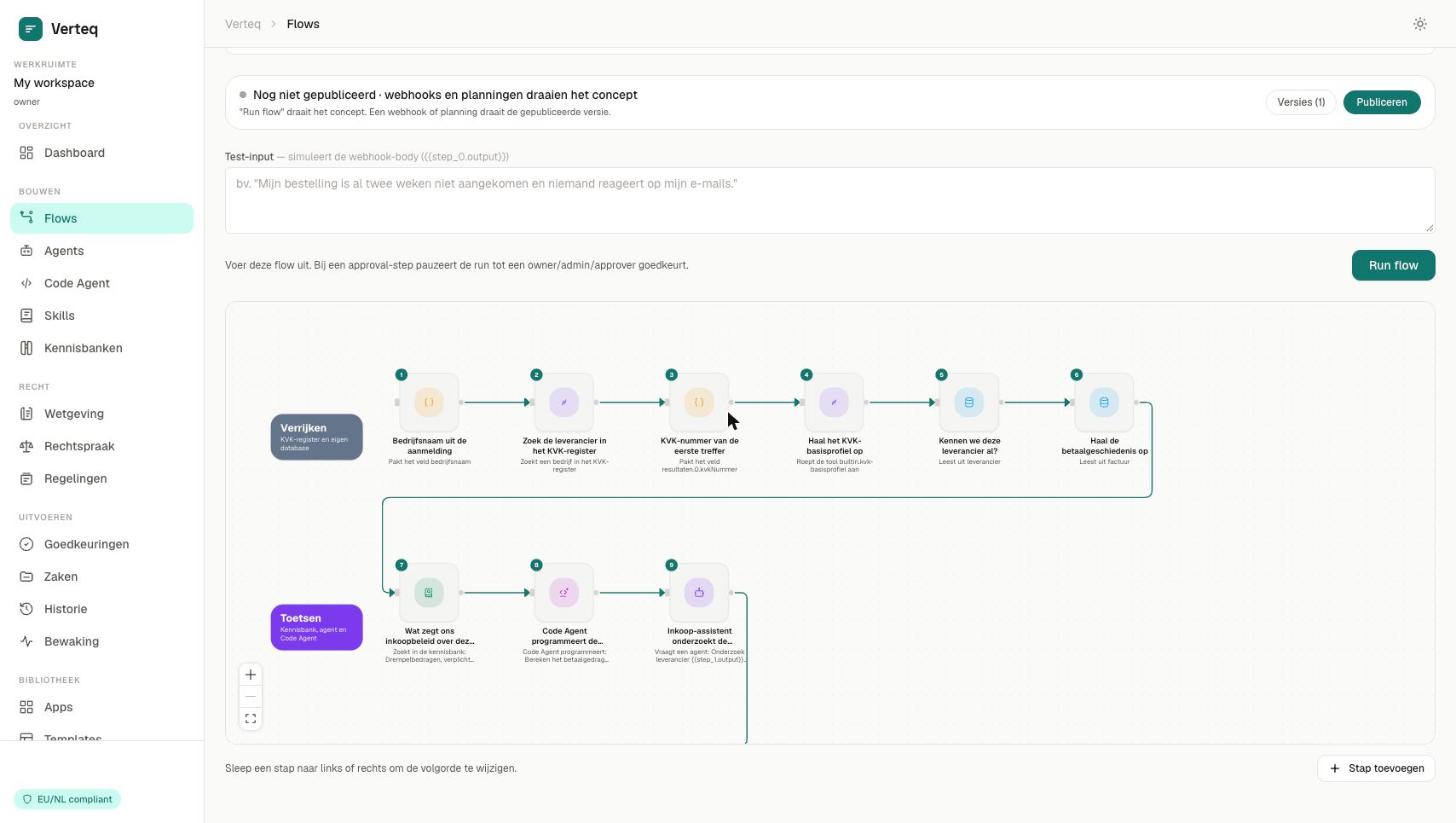
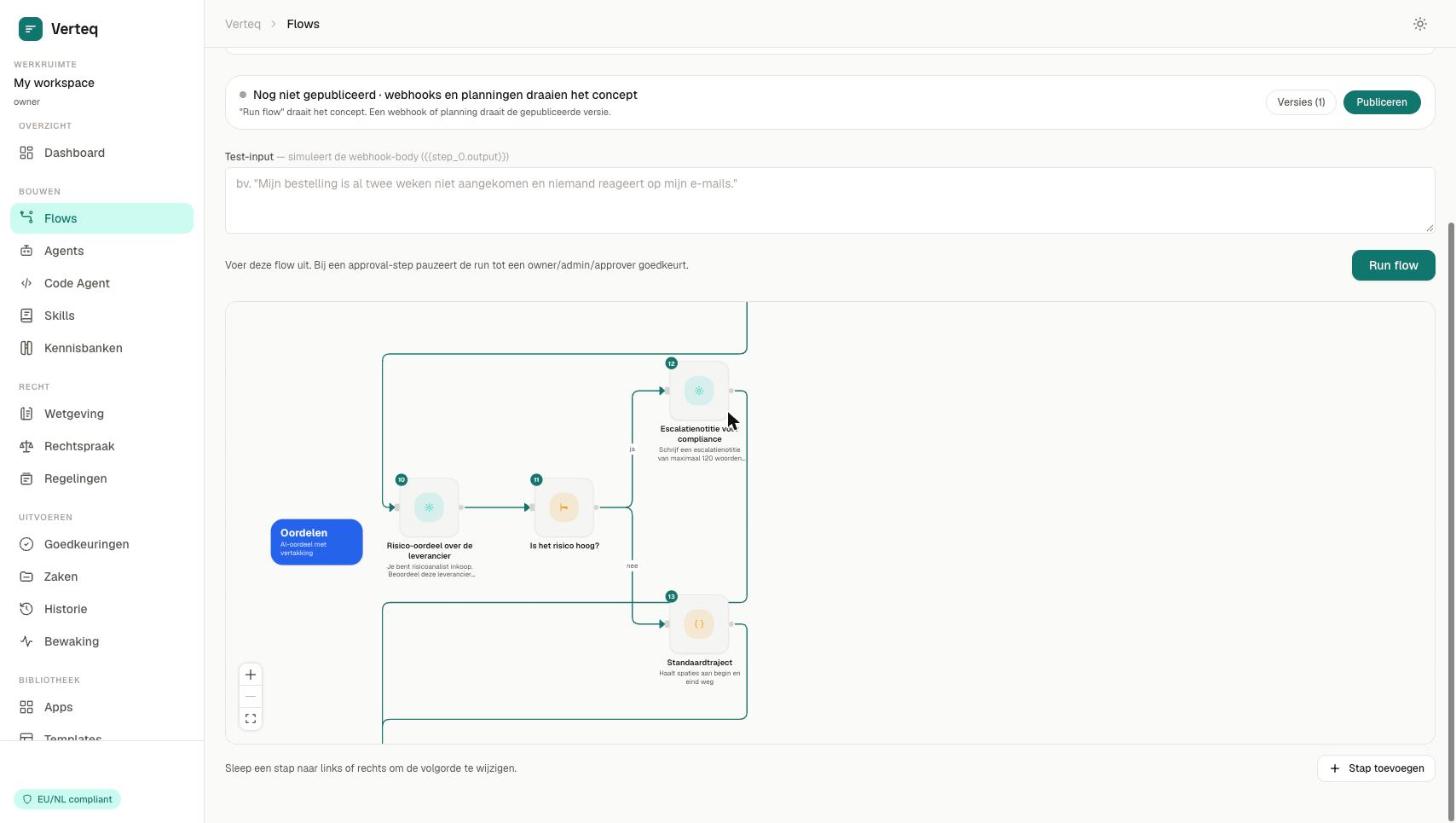
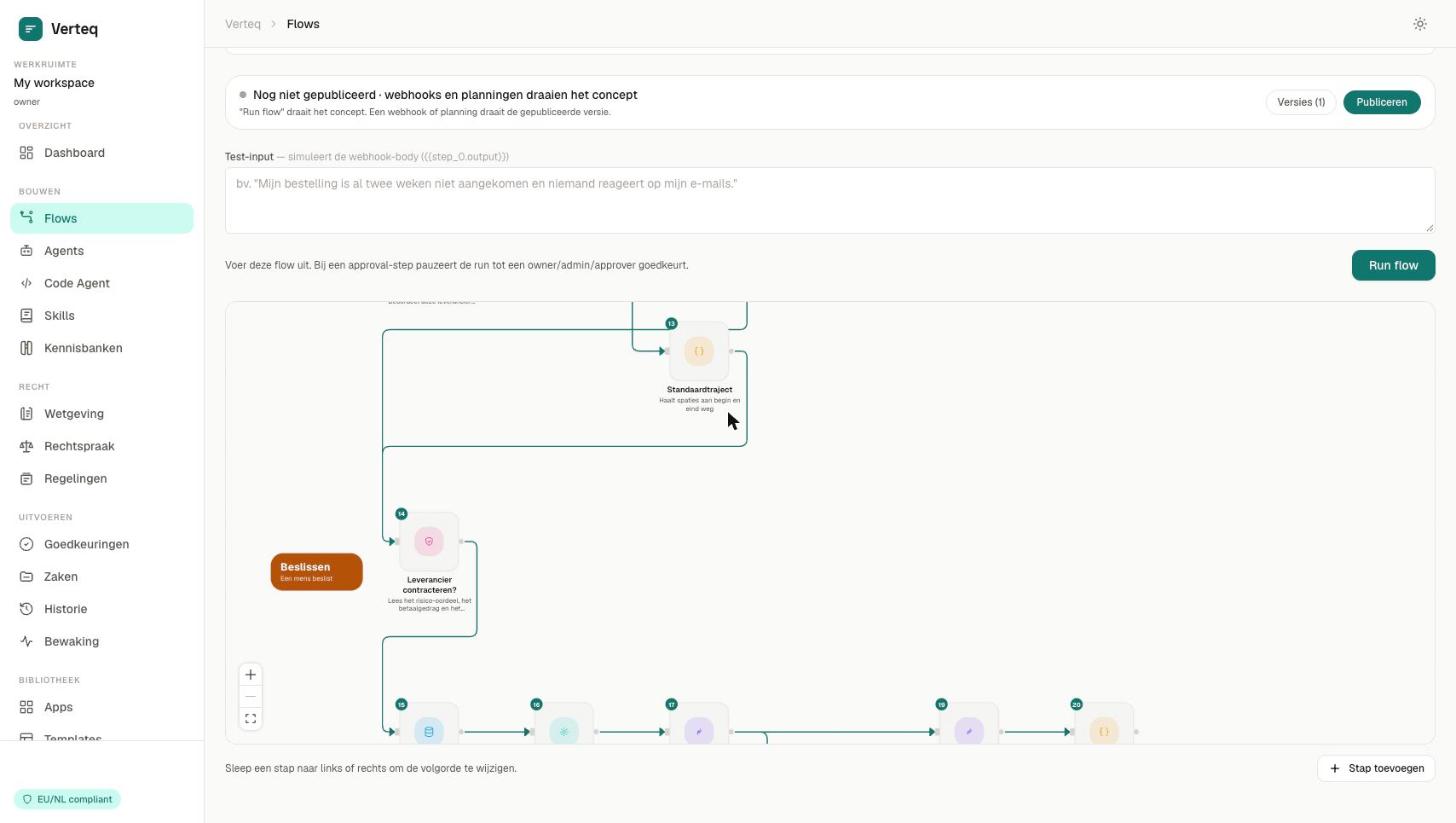
Flow. Every step is fixed. It goes the same way every time.Flow with agent. The path is fixed; in one place an agent decides.Agent. You give a task. The agent chooses the steps.
Oversight built into the product
A high-risk flow does not start without an approval step.
Every step can be checked
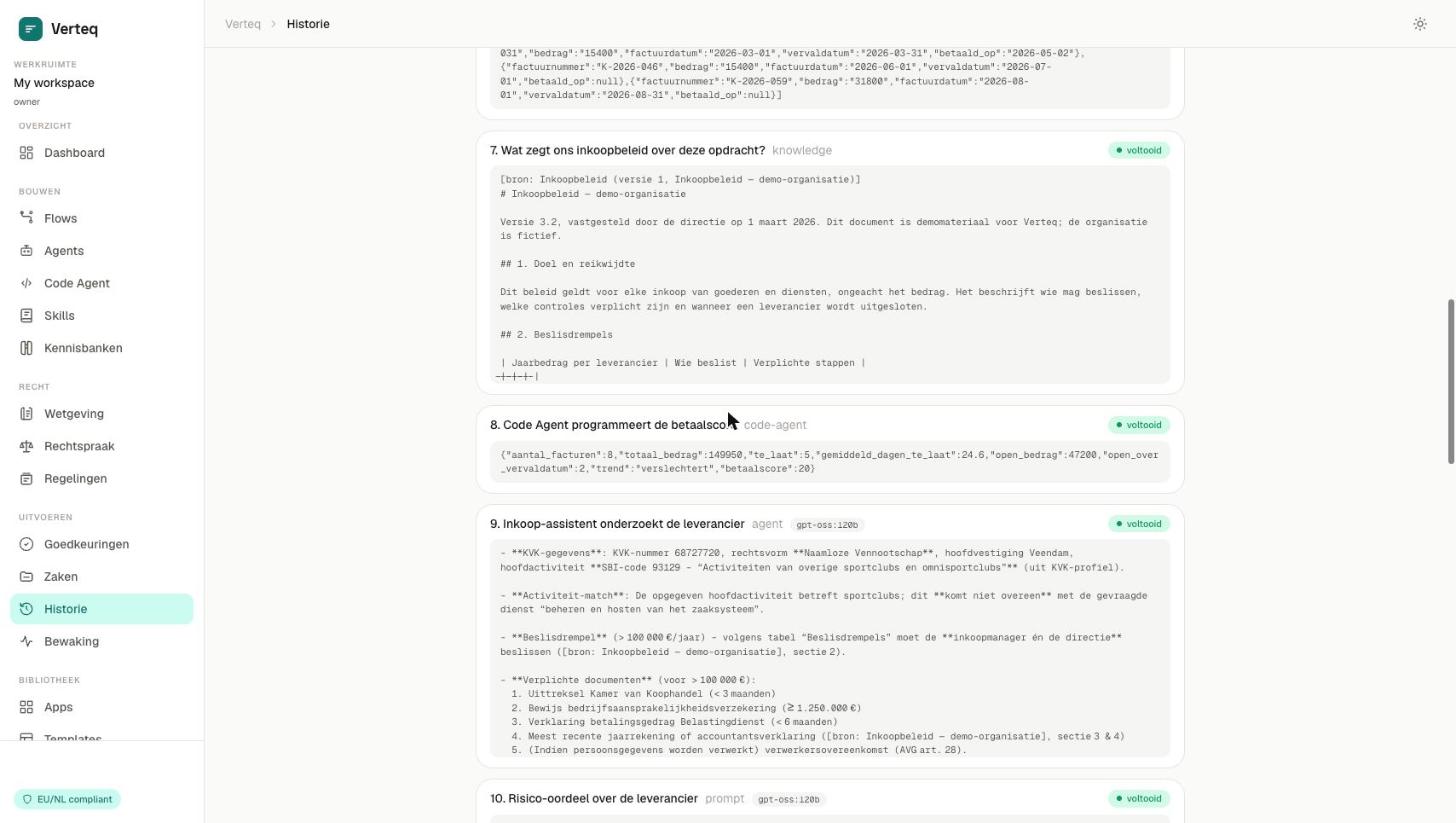
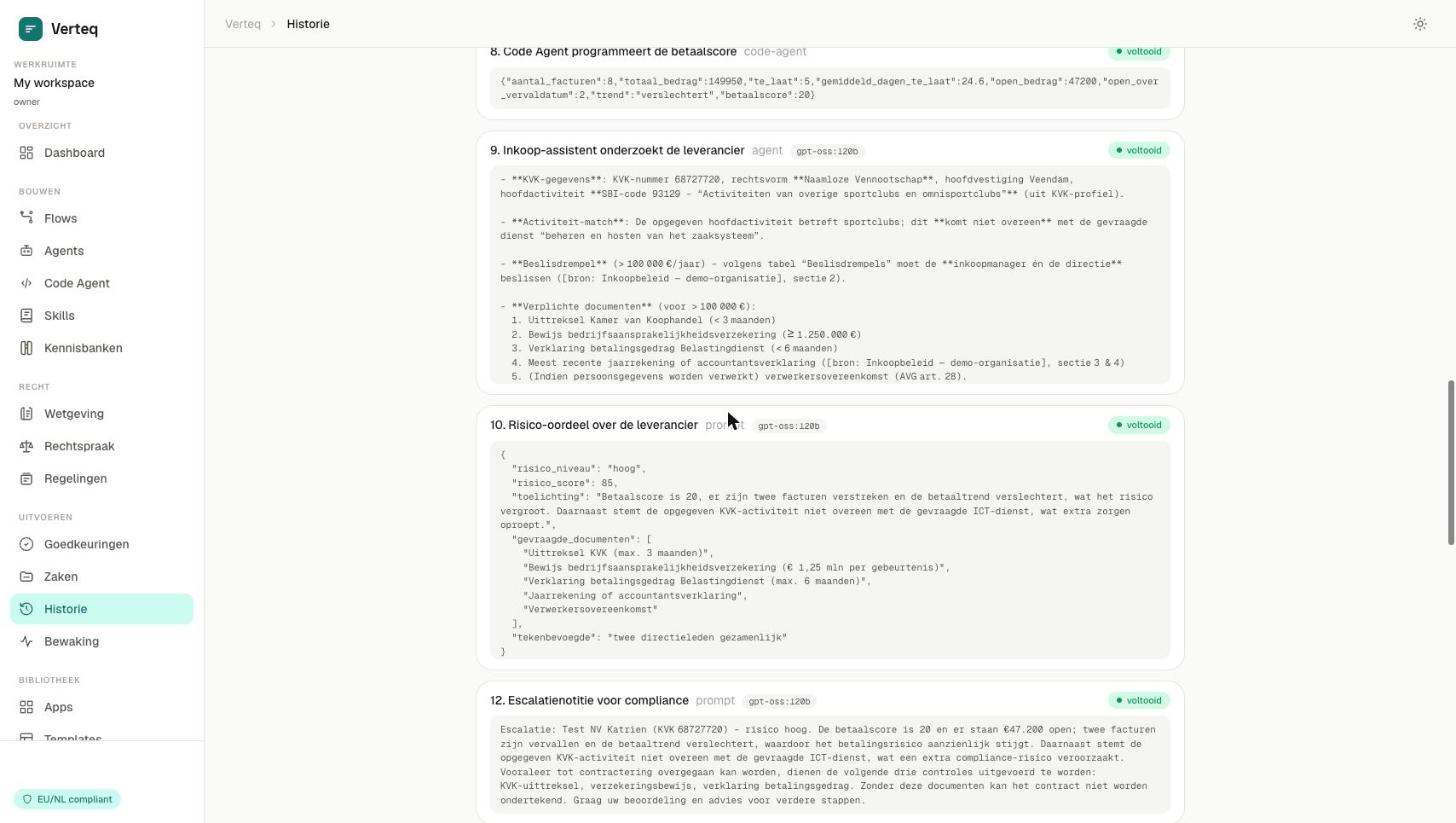
Who, what, when and which AI model, in a log you can verify.
Runs where you want
On your own infrastructure, with your own AI model if you prefer.
With 15 building blocks you rebuild your own process.
Combine them into the workflows your organisation still does by hand.
AI task
Have the AI summarise, draft, assess or translate text.
E.g. summarise a customer email in three sentences.
External system
Fetch data from another system, or send something to it.
E.g. register a new order in your accounting package.
Text edit
Edit text in a fixed way, without AI and without cost.
E.g. take the invoice number out of a subject line.
Application
Use an application that is connected to Verteq.
E.g. look up the Chamber of Commerce number for a company name.
Database
Query data from your own records.
E.g. list all open invoices for a customer.
Agent
Give a task to an AI assistant with its own tools and knowledge.
E.g. have the quotation agent draft a first version.
Code
Calculate, sort or filter exactly with a piece of your own code.
E.g. add up the open amount of all invoices.
Code Agent
Have code written and tested for a task; it only runs on your data after the tests pass.
E.g. calculate a payment score from the payment history.
Knowledge base
Find passages in your own documents, with document, version and page.
E.g. which purchasing terms apply to this service?
Legislation
Look up a Dutch statute as it read on a given date, or the rulings that cite it.
E.g. what did article 7:271 of the Dutch Civil Code say on 1 July 2024?
Read file
Read a PDF or Word file, with the page number.
E.g. read the quotation attached to an email.
Document
Turn the result into a Word file, stored with the case.
E.g. prepare the quotation as a Word file.
Approval
Have a person decide before anything happens.
E.g. a colleague approves the quotation before it is sent.
Branch
Choose between two routes based on a question.
E.g. urgent? Then a short quotation with a surcharge.
Loop
Run steps for every item in a list.
E.g. create a price line for each requested service.